Welcome aboard to the our video site for sailors. We are being constantly blasted by scammers and pirates, so registration is invite only
contact@sailorsahoy.com with "Invite". No spam, no newsletters. Just a free account
Şort oluşturmak

#SHORTS Storm Franklin from Hythe Marina Southampton. Midday on Mon 21st Feb 2022. Wind speeds of 35-40kts with gusts up to 50kts

0
0
0
319

Explore Sunreef 60 Power with Loving Yachts #shorts Comprehensive assistance in owning a yacht Contact: info@lovingyachts.com https://www.lovingyachts.com/ Based on many years of our extensive experience as both sailors, engineers, and designers we will recommend the best suited solutions for your particular needs. Thanks to our involvement you’ll avoid potentially expensive experiments, streamline the process, most likely save on the overall cost, and end up with a boat that serves you well day in and day out for years to come. Our team relies on a vast expertise, experience, and passion for sailing, boat design and construction, as well as long-term life aboard. We provide the best and most comprehensive theoretical and practical knowledge in a most efficient, cost effective, safe, and well organized manner. If you are even considering this lifestyle please be so kind to yourself and let us help you with the process all the way from the decision to take the big step, through boat selection, equipment and options selection, commissioning, all the way to setting sail. Hope to hear from you. Loving Yachts Team Multihull Experts MUSIC WE USE: Artlist License Number - 867365

0
0
0
22,642

Traxxas Summit
0
0
0
129

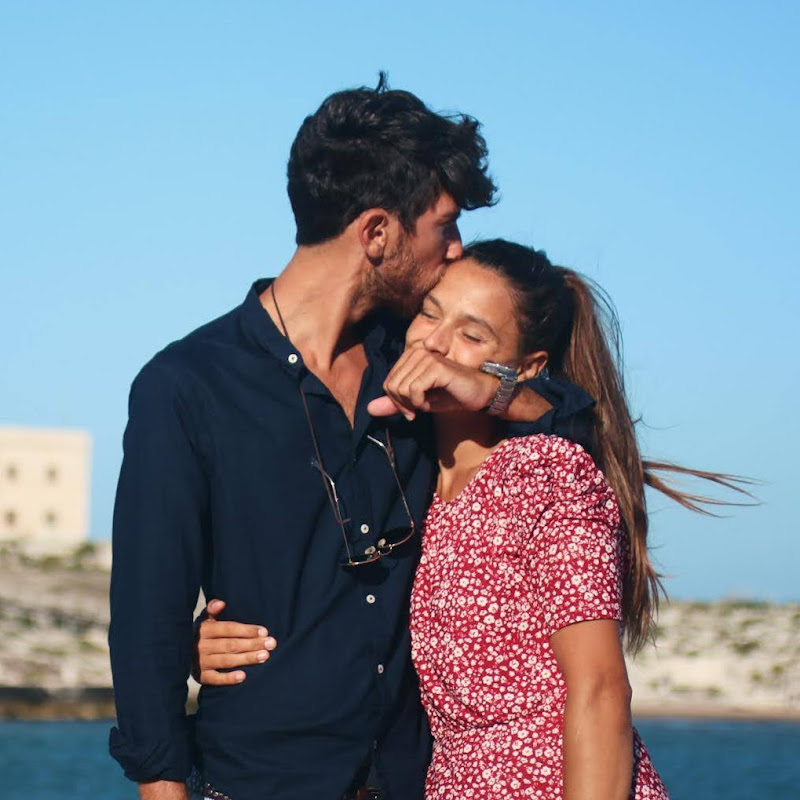
Ieri ci eravamo lasciati con un bel tonno pescato. Eccolo qui! Cami questa mattina presto l’ha pulito e fatto a tranci. Sicuramente ce lo gusteremo con piacere. Infatti, lo grigliamo e lo mangiamo insieme a un filo d’olio. Potete immaginare il sapore 👌 Continuiamo a navigare. Il pomeriggio scorre leggero e senza intoppi fino alla partita. Lì ci prepariamo con attenzione per godere al massimo dell’esperienza: pop corn, [l’altro snack che dovete indovinare guardando il video] e arachidi. Ahimè, giochiamo male. L’Italia è fuori dagli europei. Ci eravamo abituati a vederla vincere (finale europei 2021). Sì, non guardiamo tanto il calcio😂 Fatto sta che spegniamo il computer e ci ridistribuiamo secondo i turni concordati. Miglia a vela e miglia a motore, alternate. Vi aggiorniamo domani sul nostro procedere. Un abbraccio, Andrea PS: c’è stato un cambio di programma dovuto a un vento chiamato ALISEO PORTOGHESE. Domani vi raccontiamo bene in un reel
0
0
0
2,247

Different Sailing ti da l'opportunità di entrare a far parte del suo staff come skipper durante le vacanze estive in barca a vela! Cosa aspetti? Se vuoi mettere in gioco le tue capacità relazionali e hai la passione per il mare e la navigazione, partecipa al nostro weekend per la Selezione Skipper!
0
0
0
999

► Voyage Yachts was founded in 1994 in Cape Town, South Africa, under the leadership of Kay Oldenburg. The yard produces large blue water catamarans in small production runs - just under 200 examples have been launched, and the current production rate is 5 to 6 boats per year. Voyage Yachts employs a staff of around 50, and is currently marketing just a single model, the Voyage 590, launched in 2020. With its inverted bows and modern design, this top-of-the-range multihull is seductive and entertaining thanks to its spaciousness and plethora of equipment. Three layout versions are available for 12 to 14 people. Hybrid propulsion is also available. ► TECHNICAL SPECIFICATIONS Builder: Voyage Yachts Length overall: 58’3” (17.7 m) Waterline length: 57’9” (17.6 m) Beam: 28’5” (8.66 m) Draft: 5’2” (1.59 m) Displacement: 55,121 lbs (25 t) Sail area: 2,179 sq ft (202.5 m²) Engines: 2 x 75 HP Fuel: 250 US gal (950 l) Water: 250 US gal (950 l) ► Become a FREE SUBSCRIBER to Multihulls World's YouTube page now - https://www.youtube.com/c/MultihullsWorld ► Log on to our website to discover over 500 multihulls tests! Subscribe to our newsletter to take advantage of our promotions and boat show invitations! https://www.multihulls-world.com/ ► Follow us on Facebook! https://m.facebook.com/MultihullsWorldMag/?locale2=fr_FR ► Discover us on Instagram! https://www.instagram.com/multihulls_world/ ► Follow our multihulls news on Twitter - https://twitter.com/multihullsworld?lang=fr ► Let’s talk about business on Linkedin https://www.linkedin.com/company/multicoques-mag-multihulls-world/ ► Like us on TikTok! https://www.tiktok.com/@multihullsworldmag @voyageyachts #voyageyachts #voyage590 #multihull #catamaran #multicoque #multihullsworld #multicoquesmag @grandpavoisorganisation #grandpavoisorganisation #emmanuelvandeth #southafrica #capetown

0
0
0
810
