Welcome aboard to the our video site for sailors. We are being constantly blasted by scammers and pirates, so registration is invite only
contact@sailorsahoy.com with "Invite". No spam, no newsletters. Just a free account
Shorts Créer
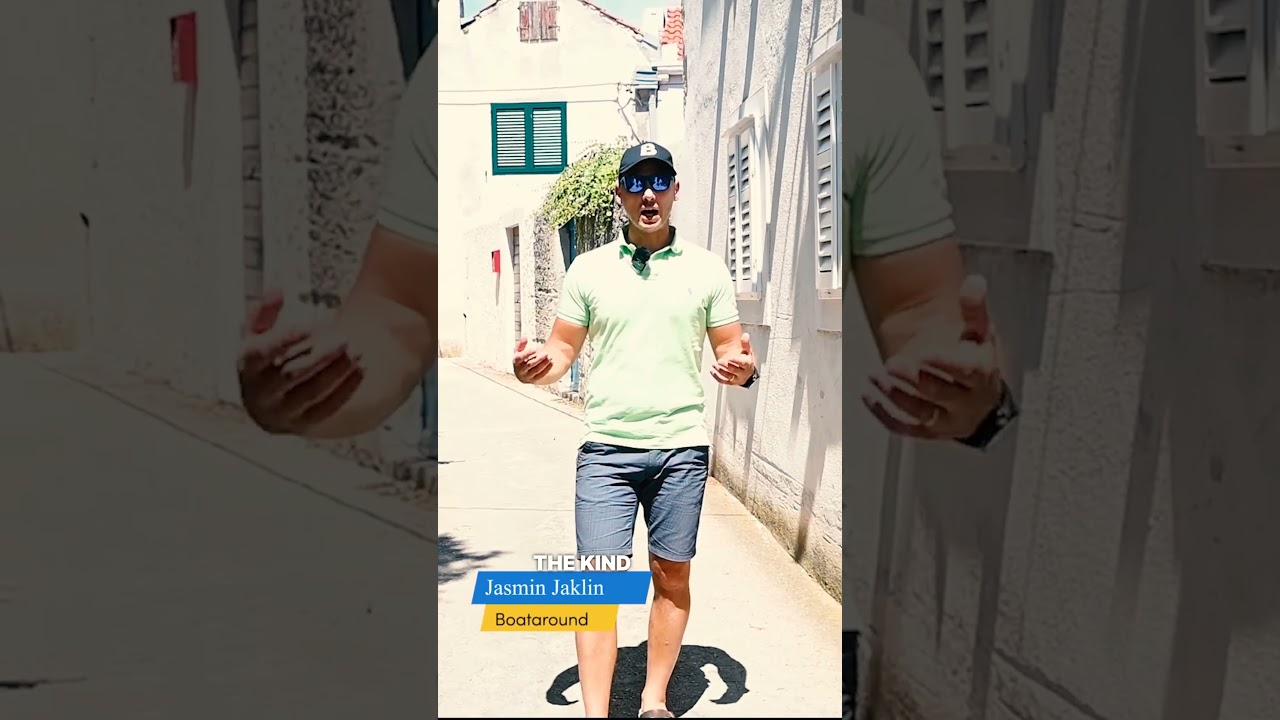
Most Croatian islands have beaches. Silba has something much harder to find. Silence. No cars are allowed here, and after just a few hours on the island, you start to understand why locals want to keep it that way. In this episode of Beyond the Buoys, we explore hidden corners of Silba, climb its famous Toreta tower and discover what makes this tiny Adriatic island feel completely different from the rest of Croatia.

Sailing Around Korčula by Catamaran A catamaran is the ideal vessel for exploring Korčula and its neighboring islands. With its stable, dual-hull design, a catamaran provides a smooth and comfortable ride, even in choppier waters. The spacious deck areas are perfect for sunbathing, dining, or simply taking in the breathtaking views as you sail from one stunning location to the next. One of the top destinations during your sailing adventure around Korčula is Proizd Island, located just northwest of Vela Luka, the second-largest town on Korčula. Swimming at Proizd Island: A Hidden Gem Proizd Island, often referred to as one of Croatia’s best-kept secrets, is a true slice of paradise. Known for its stunning white-pebble beaches and incredibly clear turquoise waters, Proizd is the perfect spot for a day of swimming, snorkeling, and relaxation. As you approach Proizd by catamaran, the first thing you'll notice is the vivid contrast between the bright blue sea and the white shores. The island is uninhabited, which means it remains largely untouched by development, preserving its natural beauty. Top Spots to Explore on Proizd: Bili Boci Beaches: Proizd is famous for its Bili Boci beaches, a series of white stone beaches that are considered some of the most beautiful in Croatia. The water here is incredibly clear, making it ideal for swimming and snorkeling. The underwater visibility is excellent, allowing you to explore the marine life that thrives in these pristine waters. Why Catamaran Sailing Enhances the Experience Sailing on a catamaran not only provides a stable and comfortable platform for exploring Korčula and Proizd but also offers the freedom to set your own pace. You can choose to spend the entire day at Proizd, hopping from one beach to another, or combine your visit with stops at other nearby islands or coastal villages. The spaciousness of a catamaran also means you can enjoy meals onboard, perhaps a fresh seafood lunch, as you gaze out over the serene waters. With ample deck space, there’s room for everyone to relax, sunbathe, or even try their hand at sailing under the guidance of an experienced skipper. Sailing around Korčula by catamaran is a journey that combines adventure, relaxation, and the pure beauty of the Adriatic Sea. A visit to Proizd Island, with its stunning beaches and crystal-clear waters, is the perfect highlight of this experience. Whether you're swimming in the turquoise sea, exploring hidden coves, or simply enjoying the view from your catamaran, the memories you create here will be unforgettable. Sailing the picturesque waters around Korčula and Proizd Island is a dream for many, but the experience can be significantly enhanced by choosing the right charter company and skipper. Alitis Yachting stands out as a premier choice for those looking to explore this stunning region by catamaran. Here’s why hiring Alitis Yachting, with an experienced skipper, is the best decision for your sailing adventure. 1. Expert Knowledge of Korčula and Proizd Alitis Yachting has extensive experience in the Croatian sailing market, particularly around Korčula and Proizd. Their deep understanding of the local area means they can offer insights and recommendations that you won’t find in guidebooks. From the best anchorages to secret coves, their knowledge ensures you’ll experience the very best of what these islands have to offer. Local Highlights Include: Secluded Bays: Alitis skippers know the most tranquil and picturesque bays around Korčula, where you can anchor away from the crowds and enjoy the serenity of the Adriatic Sea. Prime Snorkeling Spots: They can guide you to the clearest waters and most vibrant underwater spots, perfect for snorkeling around Proizd. 2. Top-Notch Catamarans Alitis Yachting offers a fleet of modern, well-maintained catamarans that are ideal for sailing around Korčula and Proizd. Their catamarans are equipped with all the amenities you need for a luxurious and comfortable journey, including spacious decks, fully equipped kitchens, and comfortable cabins. Advantages of Catamaran Sailing with Alitis Yachting: Stability and Comfort: The dual-hull design of catamarans provides a stable and smooth ride, even in choppier waters, making your journey more comfortable and enjoyable. Spacious Layout: The ample space on board allows for lounging, dining, and socializing, making it perfect for groups or families. Access to Shallow Waters: Catamarans have a shallow draft, which allows you to get closer to shore and explore shallow bays and coves that other vessels cannot reach. 3. Experienced and Skilled Skippers One of the key reasons to hire Alitis Yachting is their experienced skippers, who bring invaluable expertise to your sailing experience.
While having been in the "gamle by" in Arhus I took the chance to use my Ricoh Theta V camera in order to make some 360° footage. Afterwards I tried out my workflow to get the spatial audio through my Cyberlink PowerDirector video processing. Workflow: 1. Connect Theta V via USB to your computer 2. Copy the video(s) to you computer (e.g. d:\temp\) 3. Start the "RICOH THETA" app 4. Drag'n'drop the video file(s) (you can select more than one video file) from your computer location (e.g. d:\temp\) onto the "RICOH THETA" app window (or just use open from the file menue) 5. Let the "RICOH THETA" app stich your video(s). It will output a file at the same location (e.g. d:\temp\) with the filename being extended by "_er" (the filename extension is still ".mp4") 6. Drag'n'drop the video file (unfortunately one by one) from your computer location (e.g. d:\temp\) onto the the "RICOH THETA Movie Converter" app icon (e.g. the one on the Desktop) 7. Let the "RICOH THETA Movie Converter" app convert the dropped video file. It will output a file at the same location (e.g. d:\temp\) the same name but the extension ".mov" 8. Open "Cyberlink PowerDirector" go to settings and make sure that under general you configure the used audio channels to "5.1 Surround". 9. In "Cyberlink PowerDirector" import the processed video file(s) with the extension ".mov". 10. In "Cyberlink PowerDirector" drag your video file(s) with the extension ".mov" to the timeline of your 360° project. 11. After editing (avoid changing the audio channel(s) of the Theta V videos except cutting, fading) produce a 360° video with enabled "Surround-Sound" and "Dolby Digital 5.1" 12. Start the "Audacity" app and open the 360° video file produced by "Cyberlink PowerDirector" in it (or just drag'n'drop the file to the desktop icon). You will experience 6 audio channels. 13. In "Audacity" go to "Edit" "Settings" and make sure that for "Import / Export" and "Export of audio" the tick is set for "use own mix" (and no tick for downsample to mono/stereo). 14. In "Audacity" export these audio channels by using "File" / "Export" / "Audio export" (same as CTRL-Shift-E). Change the filename to make it same as the video filename (besides the file extension), leave "WAV (Microsoft) signed 16bit PCM" and press "Save". 15. Now you get an additional selection box. Change the slider to output of four audio channels first. Then you need to edit the lines from the boxes of the left hand side to the boxes on the right hand side. Make left1 being connected only to right1. Make left2 being connected only to right3. Make left3 being connected only to right2. Make left5 being connected only to right4. Now press ok twice. 16. Now we need to replace the audio track of the produced video of "Cyberlink PowerDirector" with the one generated by "Audacity" by using "FFQueue". 17. Start the "FFQueue" app (remove all old jobs if there are some) press the "Add" button and select the produced video of "Cyberlink PowerDirector". Because the audio file has the same filename it will be recognized automatically. You will get three entries in the list. #1.0 video (leave it ticked) #1.1 audio (untick it) and #2.0 audio (leave it ticket). 18. In the "FFQueue" app verify that the FFMPG command line states "%inputs% %preset% %output%" and Preset command lines states "Passthrough". Set the output filename and path and make sure the file extension will be ".mov". Then you can press "Save job". Afterwards press the triangle button "Start". 19. Start the "Spatial Media Metadata Injector". Use the "Open" button to select the file generated by "FFQueue". "My video is spherical (360)" shall be ticked by default. Now you need to tick also "My video has spatial audio (ambiX ACN/SN3D format). Then you need to press "Inject metadata". 20. The "Spatial Media Metadata Injector" app generates a new file with extending the source filename by adding "_injected". The fileextension will stay the same. 21. Upload the file generated by "Spatial Media Metadata Injector" to YouTube. 22. Now you should have audio focussed on the direction you are viewing...