Welcome aboard to the our video site for sailors. We are being constantly blasted by scammers and pirates, so registration is invite only
contact@sailorsahoy.com with "Invite". No spam, no newsletters. Just a free account
ショーツ 作成
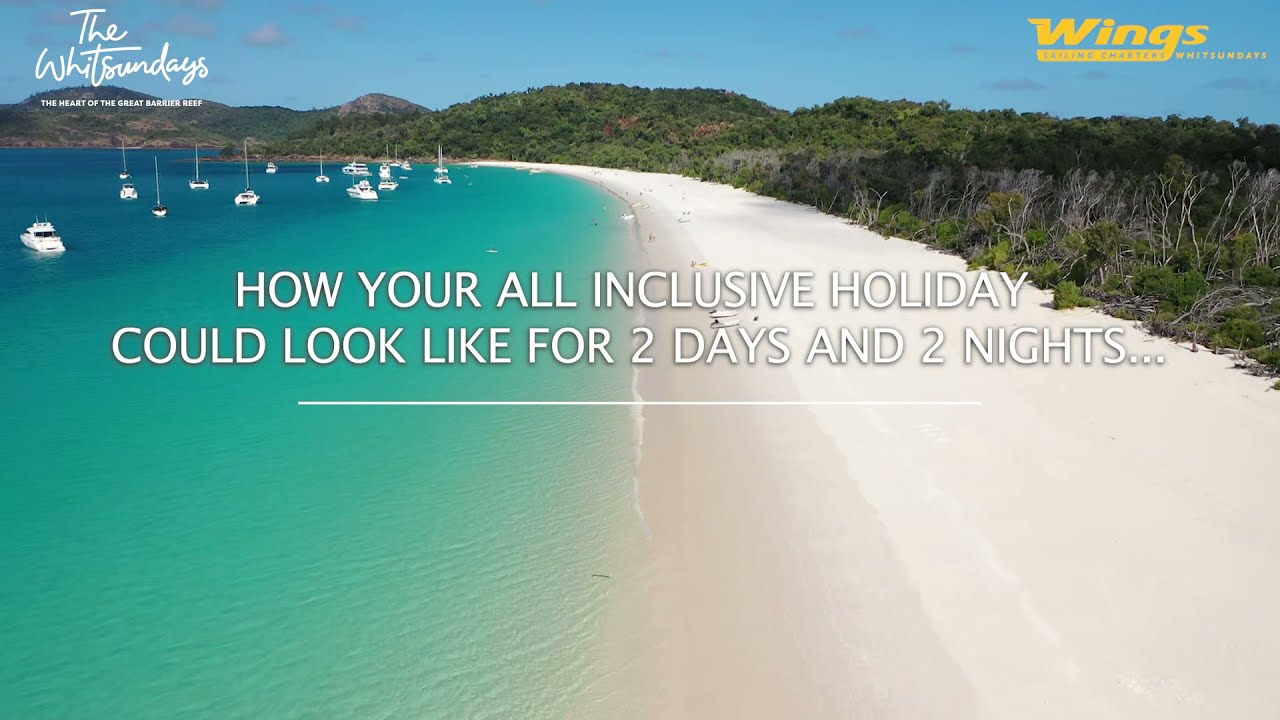
#privatecharters #lovewhitsundays #queensland #airliebeach #wingssailingcharterswhitsundays #wingsailingcharters #lovewhereyoulive #visitaustralia #seeaustralia #oceanlife #thisisqueensland #whitsundays #greatbarrierreef Private Sailing Charter Whitsundays Create amazing memories with your loved ones on this sailing adventure around The Whitsundays Islands & Whitehaven Beach. There is so much more to discover on an overnight charter, from the most beautiful beaches on earth to the stunning coral reefs. We take care of everything! Meals are catered for and delivered to the vessel with all in-water equipment included. Wings Sailing 50ft & 60ft Adventure Family Friendly Catamarans are what makes these boats a standout- they are one of a kind custom designed. Suitable for small or large groups of friends and family. Inclusions: Delicious meals cooked by our host onboard. Breakfast, lunch, sunset snacks and dinner. (All diet requirements catered) Professional Skipper & Host. Premium and fully air-conditioned vessels Bed Linen and shower towel. Refrigeration for your BYO Cold filtered drinking water- you do not need to buy any plastic bottles Snorkel, Stand Up Paddle Boards & Kayaks Basic fishing gear onboard TV flat screen with DVD player & kids DVDs- apple connectors Charging points for phones 3 zoned premium surround sound spotify for your favourite playlists Picture package include. (Valued over $200). Welcome gift on arrival ( Valued at $50) Highlights: Discover Whitehaven Beach amazing colours, take a dip in the crystal waters and sunbathe on the most beautiful beach on earth! Walk up to Hill Inlet Lookout for a breathtaking panoramic view and get to know the south and the north ends of this paradise. Snorkel, SUP & kayak in Hook Islands best spots like Manta Ray Bay, Stonehaven Bay and Langford Reef. Enjoy Sunset sailing on the way home into Airlie Beach Bay. *Prices vary according to the number of guests (up to 10 or 11-19 guests) ( Wings III). Stateroom ensuited cabins ( WIngs II vessel) *Contact us on info@wings.com.au for enquiries and bookings and we will be in touch very soon. *To visit more snorkel, sup and kayak places in the amazing Whitsundays Islands, spend more time in these unique spots and enjoy even more outdoor activities, please check our 3 days 2 nights, 3 days 3 nights or 4 days 4 nights tours.
0
0
0
1,474

After a super social few weeks, we finally catch a weather window to explore the reefs surrounding this archipelago — known simply as The Barrier. We picked our anchorage off satellite images, and what we found was even more beautiful than we imagined: crystal water and abundant marine life everywhere. Places: Outer Barrier Reef, Louisiades Archipelago, Papua New Guinea Buy us a coffee ☞ https://buymeacoffee.com/onceuponareef Or Send us a gift ☞ https://throne.com/onceuponareef Follow us: ✔INSTAGRAM: @onceuponareef & @wheres.poppy ✔PATREON ☞ https://www.patreon.com/c/onceuponareef Poppy's YouTube Channel ☞ https://www.youtube.com/wherespoppy 📧 BUSINESS INQUIRIES - onceuponareef@protonmail.com Hey there, we’re Ryan and Poppy, a couple of adventure junkie sailors out to explore the most amazing reefs and islands in the world. We hope by documenting everything this lifestyle encompasses, we will inspire, raise awareness and support on going research to do our part in protecting these natural life systems. Subscribe if you’re on board! #onceuponareef #papuanewguinea #barrierreef

0
0
0
791

We have a diving special offer of 10% discount for you on our Jurassic Komodo 6 days trip on 16th - 21st July 2023. Don't miss out on this exclusive offer to explore the breathtaking marine life of Komodo, witness the awe-inspiring Komodo dragons in their natural habitat, and capture unforgettable moments on Pink Beach and Padar Island. Join us aboard the renowned La Galigo Liveaboard and secure your spots today to avail of the limited-time 10% discount. Contact us now to embark on this extraordinary journey! ✉️ info@LaGaligoLiveaboard.com 💬 +62 812 2000 2025 (WhatsApp) 🌐 www.LaGaligoLiveaboard.com 🌐 Trip.LaGaligoLiveaboard.com (Schedule & Rates) ~~~~ #scuba #diving #diver #diveinKomodo #Komodo #liveaboard #liveaboardIndonesia #KomodoNationalPark

0
0
0
33,918

Rinker 270 Fiesta Vee - available for private charter. Max 9 passengers + skipper. Chartered with skipper. Contact Marbella Boat Charter - further details https://marbellaboatcharter.com/rinker-270-fiesta-vee/?lang=en

0
0
0
2,382

0
0
0
0
179

0
0
0
2
