Welcome aboard to the our video site for sailors. We are being constantly blasted by scammers and pirates, so registration is invite only
contact@sailorsahoy.com with "Invite". No spam, no newsletters. Just a free account
Calção Crio
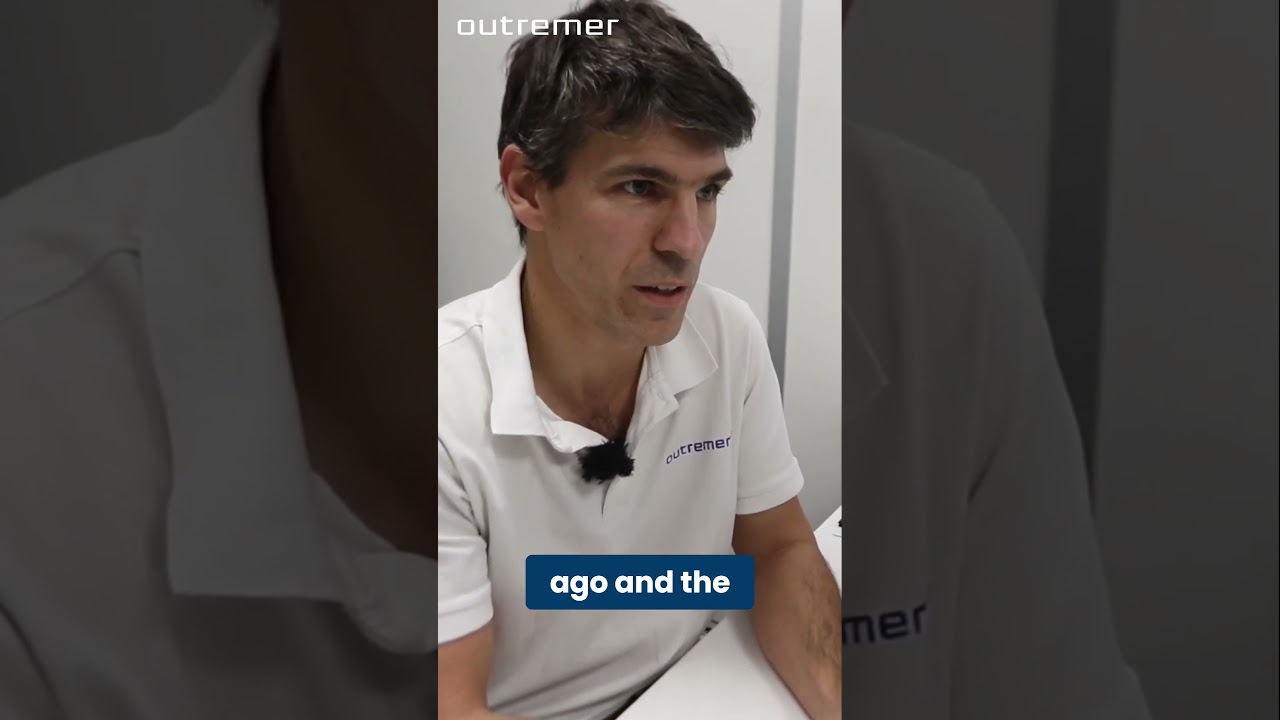
🔧 Outremer 52 – Catamaran Innovation REVEALED with Outremer Worker! Hear it directly from someone who builds it! In this behind-the-scenes moment, a passionate Outremer team member shares an exclusive innovation that makes life at sea smarter, safer, or more comfortable aboard the Outremer 52. 🌊 Want to explore the full design and innovations of the 52? 👉 All specs, walkthroughs and insights are available via the link in our bio! 💬 Do you enjoy learning from the people who actually build your dream boat? 👍 Like if you want more behind-the-scenes content from the shipyard! #Outremer #Outremer52 #Catamaran #BoatDesign #Innovation #ShipyardStories #BlueWaterSailing #LiveaboardLife #Shorts
While having been in the "gamle by" in Arhus I took the chance to use my Ricoh Theta V camera in order to make some 360° footage. Afterwards I tried out my workflow to get the spatial audio through my Cyberlink PowerDirector video processing. Workflow: 1. Connect Theta V via USB to your computer 2. Copy the video(s) to you computer (e.g. d:\temp\) 3. Start the "RICOH THETA" app 4. Drag'n'drop the video file(s) (you can select more than one video file) from your computer location (e.g. d:\temp\) onto the "RICOH THETA" app window (or just use open from the file menue) 5. Let the "RICOH THETA" app stich your video(s). It will output a file at the same location (e.g. d:\temp\) with the filename being extended by "_er" (the filename extension is still ".mp4") 6. Drag'n'drop the video file (unfortunately one by one) from your computer location (e.g. d:\temp\) onto the the "RICOH THETA Movie Converter" app icon (e.g. the one on the Desktop) 7. Let the "RICOH THETA Movie Converter" app convert the dropped video file. It will output a file at the same location (e.g. d:\temp\) the same name but the extension ".mov" 8. Open "Cyberlink PowerDirector" go to settings and make sure that under general you configure the used audio channels to "5.1 Surround". 9. In "Cyberlink PowerDirector" import the processed video file(s) with the extension ".mov". 10. In "Cyberlink PowerDirector" drag your video file(s) with the extension ".mov" to the timeline of your 360° project. 11. After editing (avoid changing the audio channel(s) of the Theta V videos except cutting, fading) produce a 360° video with enabled "Surround-Sound" and "Dolby Digital 5.1" 12. Start the "Audacity" app and open the 360° video file produced by "Cyberlink PowerDirector" in it (or just drag'n'drop the file to the desktop icon). You will experience 6 audio channels. 13. In "Audacity" go to "Edit" "Settings" and make sure that for "Import / Export" and "Export of audio" the tick is set for "use own mix" (and no tick for downsample to mono/stereo). 14. In "Audacity" export these audio channels by using "File" / "Export" / "Audio export" (same as CTRL-Shift-E). Change the filename to make it same as the video filename (besides the file extension), leave "WAV (Microsoft) signed 16bit PCM" and press "Save". 15. Now you get an additional selection box. Change the slider to output of four audio channels first. Then you need to edit the lines from the boxes of the left hand side to the boxes on the right hand side. Make left1 being connected only to right1. Make left2 being connected only to right3. Make left3 being connected only to right2. Make left5 being connected only to right4. Now press ok twice. 16. Now we need to replace the audio track of the produced video of "Cyberlink PowerDirector" with the one generated by "Audacity" by using "FFQueue". 17. Start the "FFQueue" app (remove all old jobs if there are some) press the "Add" button and select the produced video of "Cyberlink PowerDirector". Because the audio file has the same filename it will be recognized automatically. You will get three entries in the list. #1.0 video (leave it ticked) #1.1 audio (untick it) and #2.0 audio (leave it ticket). 18. In the "FFQueue" app verify that the FFMPG command line states "%inputs% %preset% %output%" and Preset command lines states "Passthrough". Set the output filename and path and make sure the file extension will be ".mov". Then you can press "Save job". Afterwards press the triangle button "Start". 19. Start the "Spatial Media Metadata Injector". Use the "Open" button to select the file generated by "FFQueue". "My video is spherical (360)" shall be ticked by default. Now you need to tick also "My video has spatial audio (ambiX ACN/SN3D format). Then you need to press "Inject metadata". 20. The "Spatial Media Metadata Injector" app generates a new file with extending the source filename by adding "_injected". The fileextension will stay the same. 21. Upload the file generated by "Spatial Media Metadata Injector" to YouTube. 22. Now you should have audio focussed on the direction you are viewing...
Sabato 20 Settembre saremo al Salone nautico di Genova!⛵️ ☕️ Se vorrete incontrarci per un caffè e una chiacchierata, alle 11.30 saremo allo STAND di @svbmarine.it (STAND TECH TRADE TB02)! I ragazzi e le ragazze di @svbmarine.it distribuiranno IN OMAGGIO un gadget, la borsa SVB, il loro fantastico catalogo e un CODICE per SPEDIZIONI GRATUITE!🚚 Fateci sapere se ci sarete! A presto e buon vento!🌊⛵️🐋 #sailing #vela #salonenauticogenova #svb #collab #barca #barcaavela #sailinglife #sailboat #adventure #explore
Discover the incredible transformation of Bear Point Marina. Podcast Link: https://tinyurl.com/SaltyPodcast30 SALTY ABANDON: Cap'n Tinsley, Orange Beach, AL. Oct 2020 to Present: 1998 Island Packet 320; Nov 2015-Oct 2020: 1988 Island Packet 27 Feb-Nov 2015: 1982 Catalina 25 SALTY PODCAST is LIVE every Wed at 6pm Central and is all about the love of sailing! PLAYLIST: https://tinyurl.com/SaltyPodcastPlaylist LISTEN TO THE PODCAST (Audio only): Apple: https://podcasts.apple.com/us/podcast/salty-podcast-sailing/id1732800578 Spotify: https://open.spotify.com/show/1qUHKGBDJSiwEZUFiF6CwO Amazon Music: https://music.amazon.com/podcasts/87d4d45b-f013-4222-8927-2efc21ac48cc/salty-podcast-sailing SUPPORT THE PODCAST: http://patreon.com/SaltyAbandon. MY PODCAST GEAR: Rodecaster Pro II Podcast Console: https://amzn.to/49nZ2o9 Shure Podcast Mic: https://amzn.to/49ndAoI Insta360Link AI Cam: https://amzn.to/49IuKNb Mic Boom: https://amzn.to/42RGb2T DJI Wireless Lav Mic: https://amzn.to/3RPqAws DJI Mini 3 Pro Drone: https://amzn.to/45WQtjI PODCAST TOOLS Livestream on Multiple Platforms: Https://streamyard.com/pal/d/5430067749060608 Create AI Clips: https://klap.app/?via=SaltyAbandon Tube Buddy Channel Tools: https://www.tubebuddy.com/pricing?a=SaltyAbandon BOAT GEAR: Purisan Waste Filtration System: https://amzn.to/4eLZCQ6 #SaltyPodcast #Sailing #MarinaHistory #OrangeBeach #BoatLife #MarinaTransformation #NauticalHistory #GulfCoastMarinas #BoatingAdventures #MarinaDevelopment #HistoricalMarinas #OrangeBeachLife Salty Podcast, sailing, Bear Point Marina, marina history, Marcus Kruk, Orange Beach, marina transformation, aerial views, Gulf Coast marinas, boating adventures, marina development, nautical history, historical marinas, boating life, marina stories, Orange Beach history, marina growth, marina evolution, family stories, Gulf Shores AL